What the GitHub GraphQL Contributions API returns
The GitHub GraphQL Contributions API is a practical way to read a profile contribution calendar when your application needs dates and counts instead of a screenshot. Start with a user login, request that user's contributionsCollection for an explicit time window, and select contributionCalendar. The result contains an overall total plus calendar weeks made up of individual contribution days.
A minimal useful day record includes its date and contributionCount. The color and weekday fields can help reproduce the calendar's appearance, while totalContributions gives the aggregate for the requested collection. Those values describe profile contribution activity; they are not a repository commit log, a complete audit trail, or a promise that every private event is visible to your app.
GitHub's reference notes that contributions from private and internal repositories are included only with the optional read:user scope. Request that access only when the product needs it; otherwise keep the token's permissions narrower.
The request is a GraphQL POST to GitHub's API endpoint and requires authentication. Keep the token on a server or in a local environment variable, use only the access needed for the data you request, and never place a secret in browser JavaScript, a public repository, or a shared query example.
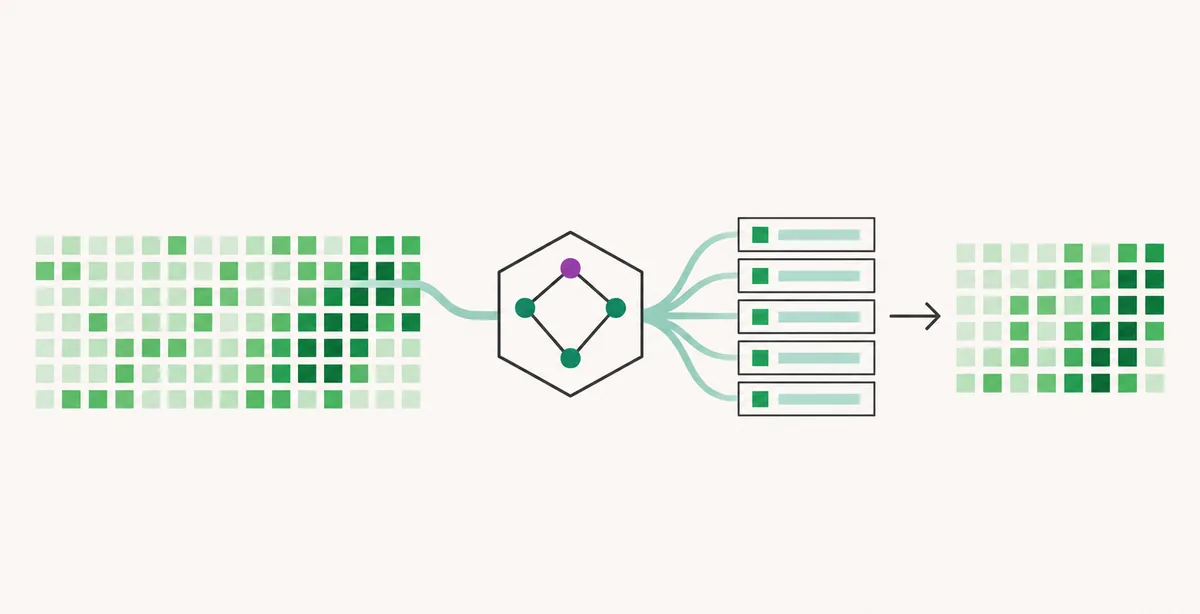
Build a GitHub GraphQL contributions API request
GitHub's GraphQL endpoint is https://api.github.com/graphql. Send a POST request with an Authorization bearer token and a JSON body containing query and variables. Keeping the query text separate from variable values makes the request easier to review, test, and reuse with another username or date range.
The example selects the profile calendar rather than enumerating repository commits. It requests only fields used by a calendar view: a total, weeks, and the contribution days within each week. If you only need a yearly total, you can request totalContributions alone and leave out the nested calendar fields.
GraphQL returns a JSON response envelope. Check both the HTTP status and the top-level errors array before assuming data exists. A response can contain useful data and GraphQL errors at the same time, so log the error message and the data path separately during development.
Query and variables
query UserContributionCalendar($login: String!, $from: DateTime!, $to: DateTime!) {
  user(login: $login) {
    contributionsCollection(from: $from, to: $to) {
      contributionCalendar {
        totalContributions
        weeks {
          contributionDays {
            date
            contributionCount
            color
            weekday
          }
        }
      }
    }
  }
}

{
  "login": "octocat",
  "from": "2026-01-01T00:00:00Z",
  "to": "2026-02-01T00:00:00Z"
}
Place the query string and variables object in the POST JSON body. Keep a real token outside this example, and check the official schema if you add fields beyond those shown.
Read the contribution calendar fields
The response path is data.user.contributionsCollection.contributionCalendar. Treat each level as optional in application code: the user may not resolve, a field may be unavailable to the authenticated account, or the response may contain errors. Do not dereference nested properties until the response has been checked.
totalContributions is the aggregate for the collection's selected range. weeks groups the calendar into columns, and each contributionDays entry represents one date. contributionCount is the numeric activity value for that day; date is the calendar date; weekday is a numeric day position (1 is Monday); color is a hex value, with darker shades representing more contributions in that calendar. Store date and count as durable data, and treat color as display metadata.
Use daily records to build a table, heatmap, or chart. Preserve zero-count days; dropping them can shift dates and misrepresent activity.
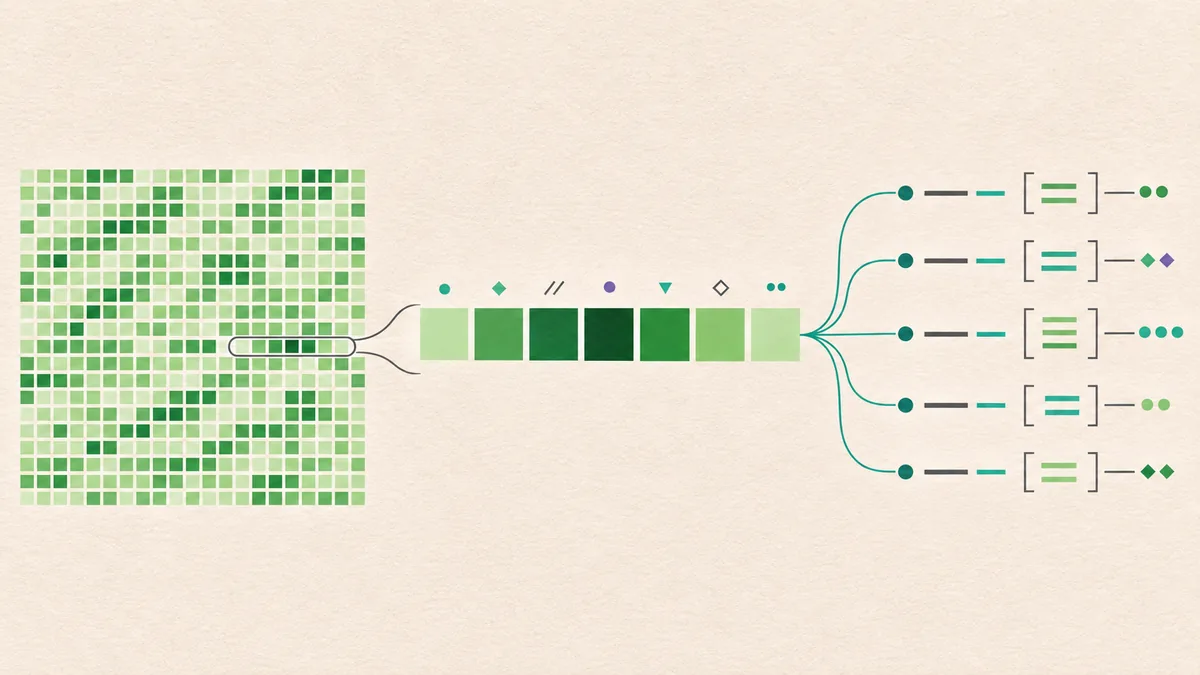
Choose an explicit date range
Pass from and to as DateTime values in ISO 8601 form. Explicit UTC boundaries make recurring reports reproducible and help avoid off-by-one errors when a user, server, and chart use different time zones. Decide whether your product groups a day by GitHub's calendar date or by a local display zone before converting timestamps.
For rolling reports, calculate and save exact endpoints. Keep comparison windows equal, and split long histories into bounded intervals instead of treating one response as an unlimited archive.
Test a range that begins and ends near midnight UTC and a range with no visible activity. The returned total and day list should agree with the exact window you asked for. A zero total is a valid outcome, not proof that the query failed.
Choose the calendar window
Use a named period such as a calendar year or a rolling 12 months, and define both endpoints before sending the request.
Send UTC variables
Use ISO 8601 timestamps ending in Z when the product needs a stable UTC boundary.
Preserve the response window
Store the requested endpoints with the data so later charts can explain what the total covers.
Check boundary dates
Compare the first and last returned dates with your expected display rules before aggregating weeks.
Normalize the response before charting it
A compact internal model makes the API response easier to use in a chart, CSV export, or scheduled snapshot. Flatten the nested week arrays into one ordered list, retain date and count, and keep color or weekday only when the display needs them. Sort by date after flattening rather than depending on an incidental object-key order.
For a production application, validate that each day has a parseable date and a finite nonnegative count. Decide how to handle missing user data, an empty collection, duplicate dates, partial GraphQL data, and a rate-limit response before rendering. Returning a clear empty state is more useful than displaying a broken calendar or silently replacing missing data with zeros.
The profile calendar answers a different question from repository history. Use the contribution graph rules guide for missing profile squares, or the commit history guide when you need records from one repository.
Flatten weeks into daily records
const days = (calendar.weeks || [])
  .flatMap((week) => week.contributionDays || [])
  .map(({ date, contributionCount, color, weekday }) => ({
    date,
    count: Number(contributionCount),
    color,
    weekday,
  }))
  .sort((a, b) => a.date.localeCompare(b.date));
Validate calendar before this step and handle absent data explicitly. Preserve zero-count days so the timeline stays aligned.
- GitHub contribution graph rules guide — Use it for profile graph counting rules and missing squares.
- GitHub commit history guide — Use it for commit records, file history, and repository ranges.
- Try GitHub City — Explore the public contribution pattern as a 3D visualization after checking its source graph.
Troubleshoot GraphQL responses and limits
When a request fails, inspect the HTTP status, response JSON, and errors array together. GitHub can reject an invalid query before returning data, while a valid query can return a user with no matching contribution activity. Keep diagnostics specific and never log the bearer token or full authorization header.
| Symptom | Check | Next action |
|---|---|---|
| User is null | Confirm the login spelling and that the account is visible to the authenticated request. | Retry with a known public account and inspect GraphQL errors. |
| Unknown field or argument | Compare the query with the current GitHub GraphQL schema. | Use the official users reference and request only supported fields. |
| HTTP succeeds but errors is not empty | Read each error message and path; GraphQL can return partial data. | Handle partial data deliberately or fix the rejected field before publishing results. |
| Calendar is empty | Check the user, time range, account access, and whether zero activity is expected. | Show a truthful empty state; do not fabricate day counts. |
| Rate limit is reached | Review the response's rate-limit information and query cost. | Cache suitable results, avoid polling, and retry only after the reset window. |
Respect privacy and contribution meaning
A contribution calendar is profile activity, not a list of private repositories or a complete record of someone's work. GitHub's privacy controls can affect which activity is visible, and an authorized app should request only what its use case needs. Explain the source and time window whenever a chart is shown to other people.
Treat the token as a credential: load it from a server-side secret store or a local environment variable, restrict access where possible, rotate exposed credentials, and redact it from logs. A public browser page should call your own backend only when there is a real need for server-side access; never hardcode a personal access token in HTML or JavaScript.
Do not present contribution counts as a quality or complete productivity score; totals omit review depth, maintenance context, and private activity that is not shown. Label visualizations as dated contribution-calendar snapshots.
GitHub GraphQL Contributions API FAQ
Which GitHub GraphQL field returns the contribution calendar?
Query a user by login, then request contributionsCollection and its contributionCalendar field. Select totalContributions, weeks, and contributionDays fields that your application actually uses.
Does this return individual repository commits?
No. It returns profile contribution-calendar data for a time window. Use repository commit history or a commit connection when you need commit records, files, messages, or repository-specific details.
Do I need a token for the GitHub GraphQL API?
Yes, GitHub's GraphQL API requires authentication. Keep the token out of browser code and public repositories, and grant only the access needed for your request.
What does contributionCount mean?
It is the activity count GitHub reports for a calendar day in the returned collection. It should not be treated as a count of every commit or a measure of code quality.
Can I query a full historical contribution calendar?
Use explicit date boundaries and verify the range supported by the current API. For long histories, request bounded intervals and retain each interval's start and end rather than assuming one response is an unlimited archive.
Why might the API return no calendar data?
Check the login, fields, authentication, requested dates, and GraphQL errors. A valid query can also return zero contributions for the selected user and window.
Official references
Explore the calendar as a visual
After checking the source data and date window, use the browser-based visualization to explore a public GitHub contribution pattern. Open GitHub City